Creating a cozy and functional home office space can make a big difference in your productivity and overall well-being, especially if you spend a lot of time working from home. Whether you have a small corner or a dedicated room, designing a space that balances comfort and efficiency will help you stay focused and motivated throughout the day. Here are practical tips to help you create a home office that feels both inviting and work-ready.
Choose the Right Location
Finding the best spot for your home office is the first step. Ideally, pick a quiet area with minimal foot traffic and distractions. If possible, select a space with good natural light—daylight boosts mood and reduces eye strain.
If space is limited, consider unused nooks, spare closets, or even a section of your living room. Just ensure the location has enough room for a desk, chair, and any essentials you need. Keep in mind that separating your workspace from your relaxation area helps maintain a healthy work-life balance.
Invest in Comfortable Seating
Your chair is one of the most important elements of your home office. Since you might be sitting for several hours, select a chair with good lumbar support and adjustable height. Ergonomic chairs help prevent back and neck pain and improve posture.
If a new chair isn’t in the budget, adding a cushion or a lumbar pillow can provide extra comfort. Remember to sit with your feet flat on the floor and your knees at a 90-degree angle.
Optimize Desk Space and Layout
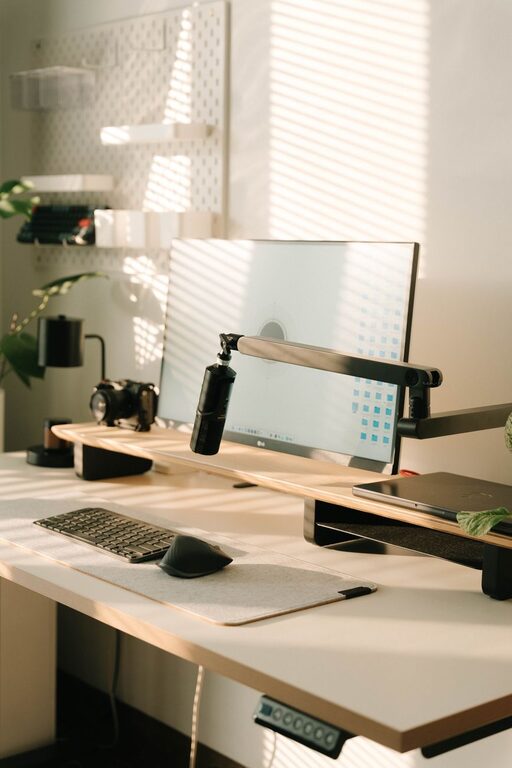
The desk is your main workspace, so it should fit your workflow. Consider how much surface area you need for your computer, notebook, or other tools. A desk with built-in storage or shelves can help keep clutter off the surface.
Arrange your space to keep frequently used items within arm’s reach. For example, place your computer monitor directly in front of you at eye level, and keep writing supplies nearby. If you use multiple devices, think about cable management solutions to reduce tangling and keep cords tidy.
Maximize Lighting
Good lighting is essential in a home office. Natural light is the best option, so position your desk near a window if possible, but avoid glare on your screen. If natural light is limited, use a combination of overhead and task lighting.
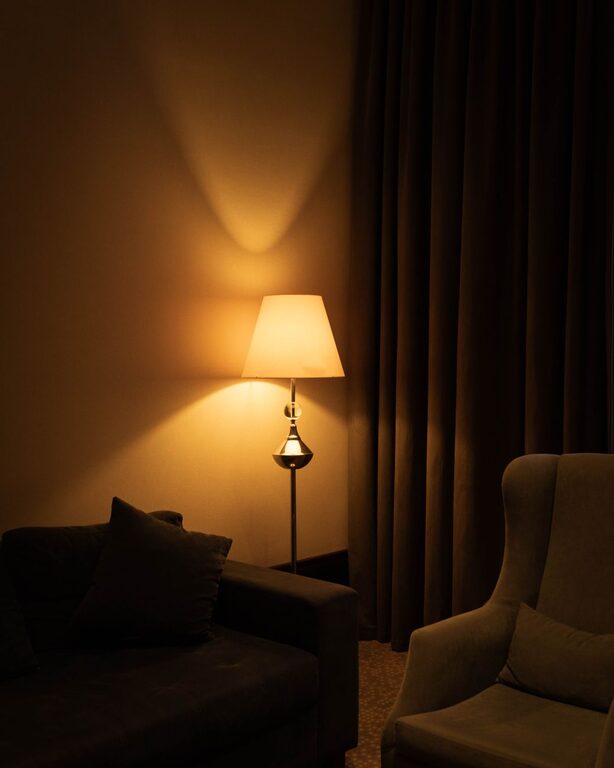
Desk lamps with adjustable brightness and color temperature are great because you can customize the lighting based on the time of day or your activity. Aim for soft, warm light that reduces eye strain and creates a cozy atmosphere.
Keep It Organized
Clutter can quickly make even a beautiful space feel stressful. Use organizers, shelves, or filing cabinets to store documents, office supplies, and tech accessories.
Labeling drawers and containers helps you find things quickly. Digital organization is important too—regularly clean up your desktop and files on your computer.
Develop a daily or weekly routine to tidy your space. A clean and organized office encourages a clearer mind and better focus.
Add Personal Touches
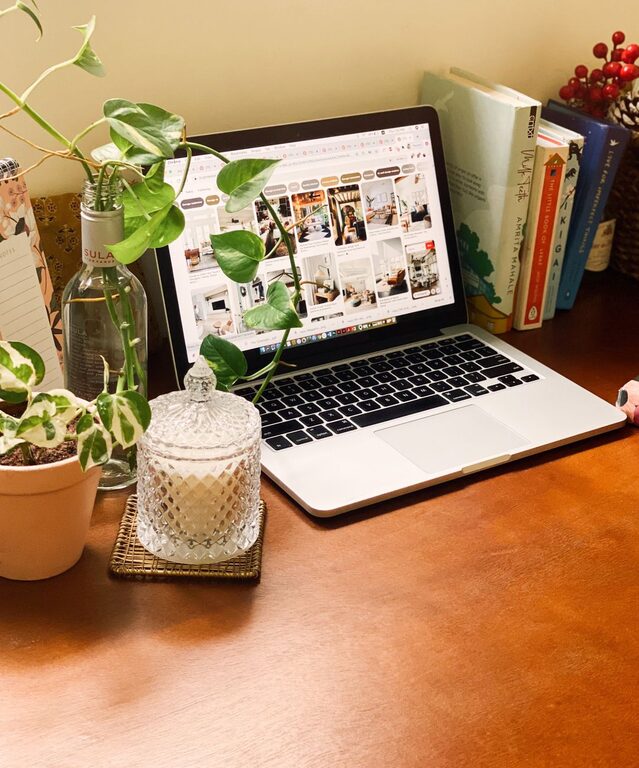
Incorporate elements that make your workspace feel inviting and inspiring. This could be artwork, plants, photos, or decorative objects that bring you joy.
Plants, in particular, improve air quality and add a refreshing touch of nature. Just make sure plants don’t overcrowd your desk or require too much maintenance.
Try to balance personalization without overwhelming your space. A calm, clutter-free environment fosters creativity and concentration.
Manage Noise Levels
Depending on your home setup, noise might be a challenge. Consider noise-canceling headphones if you have distractions like family, pets, or traffic.
If headphones aren’t an option, soft background music or white noise machines can also help mask disruptive sounds and create a peaceful ambiance.
Using rugs, curtains, and soft furnishings can absorb sound and reduce echo, contributing to a quieter workspace.
Incorporate Technology Wisely
Technology powers your workday but can also add to clutter and distraction. Choose efficient devices with reliable performance to avoid technical frustration.
Set up your equipment—monitor, keyboard, mouse, and printer—in a way that keeps your desk neat and minimizes awkward movements.
Keep chargers and cables organized with clips or under-desk trays. Back up important files and maintain cybersecurity habits to protect your work.
Take Breaks and Move Around
Even the best home office needs to support your health. Design your space so you can easily stand, stretch, or move around.
Consider a sit-stand desk or monitor risers to change your posture during the day. Place your water bottle nearby to stay hydrated and encourage regular breaks.
Remember, a cozy office isn’t just about comfort but also about promoting habits that keep you healthy and energized.
Final Thoughts
Creating a cozy and functional home office is about smart planning, comfort, and personalization. With the right location, furniture, lighting, organization, and technology, you can design a space that helps you work efficiently while feeling relaxed.
Take your time customizing your office and adjust it as your needs change. A well-designed home workspace boosts productivity and makes working from home a more enjoyable experience.